Blog / Hide and lock on iPhone
iPhone Screen Lock Pattern: Does iPhone Have One?
By Vineet KarhailLast reviewed Tested on iOS 274 min read
An iPhone does not have a pattern lock for the screen, the way some other phones do. You unlock it with a passcode, or with Face ID or Touch ID once a passcode is set. A pattern can still protect things inside an app, and how Sigil is secured shows what that looks like.
Does iPhone have a screen lock pattern?
No. Apple's instructions for setting a passcode list the choices, and a pattern is not one of them. You enter a six-digit passcode, or tap Passcode Options to switch to a four-digit numeric code, a custom numeric code or a custom alphanumeric code.
Face ID and Touch ID are not separate lock types. Apple says that after you set a passcode, supported models can use Face ID or Touch ID to unlock instead of typing it.
What can you use instead of a pattern?
You can pick from these, as listed on Apple's pages.
- A six-digit passcode, which is the default.
- A four-digit numeric code.
- A custom numeric code.
- A custom alphanumeric code.
- Face ID or Touch ID, depending on your model, on top of a passcode.
Apple says the most secure options are Custom Alphanumeric Code and Custom Numeric Code. None of them is a drawn shape.
Steps
- Open Settings.
- On an iPhone with Face ID, tap Face ID & Passcode. On an iPhone with a Home button, tap Touch ID & Passcode.
- Tap Turn Passcode On or Change Passcode.
- Tap Passcode Options to see the four types.
- Pick one, enter it, then enter it again to confirm.
Apple notes that setting a passcode also turns on data protection, which encrypts your iPhone data with 256-bit AES encryption. Some apps may opt out of it.
Is a pattern lock in an app the same thing?
No. A pattern lock inside an app only guards that app. It does not lock or unlock the phone itself. The system passcode does that.
The two work in layers. The passcode protects the phone, and an app can add its own lock on top for the files in it. If an app only puts a screen in front of ordinary files, the files themselves are not locked. What matters is whether the pattern feeds into the encryption key.
How does Sigil use a pattern?
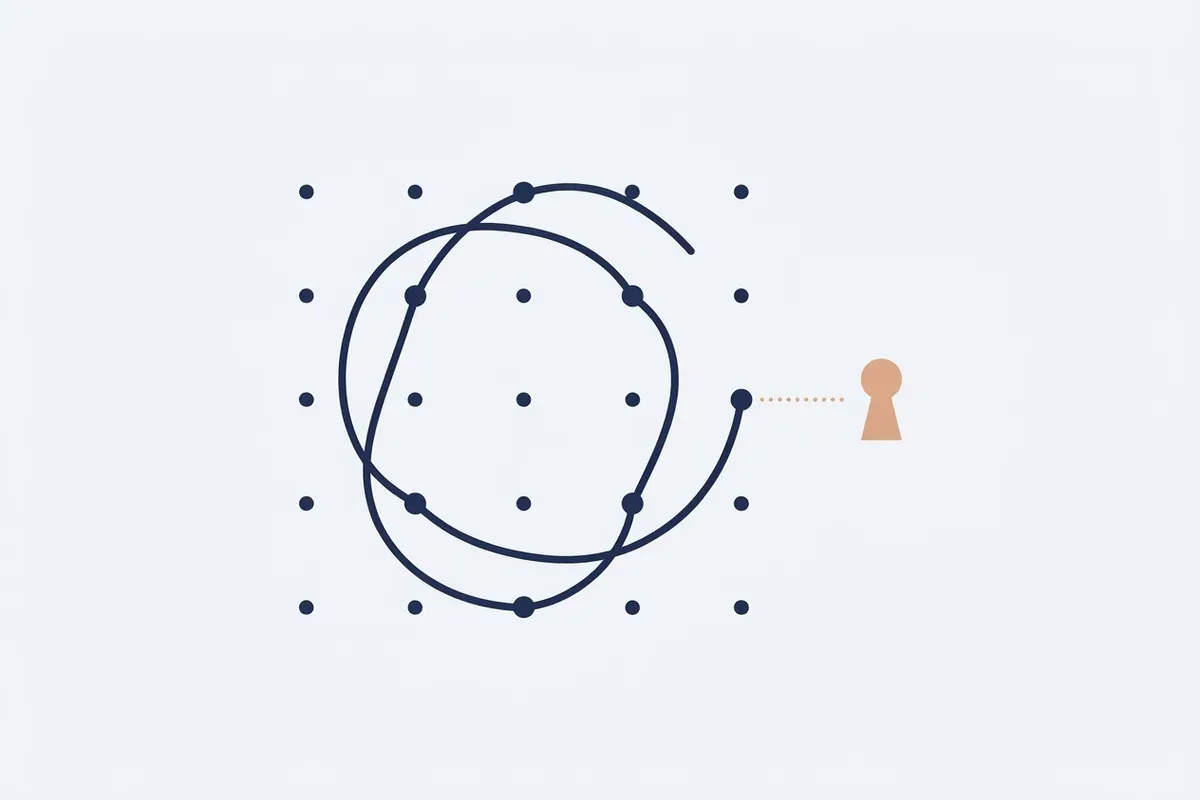
Sigil is an encrypted photo and file vault for iPhone, and it is built to open with a pattern you draw on a 5 by 5 grid. A pattern needs at least 6 dots and one change of direction, and the 50 most common shapes, such as L, Z and a square, are rejected.
Each pattern opens its own vault. A wrong pattern shakes the grid in the same way as a pattern that opens no vault, so a wrong guess never shows whether a vault exists. After 5 wrong patterns, Sigil adds delays of 30 seconds, 1, 5, then 15 minutes.
The pattern alone opens nothing. The vault key needs the output of the pattern and a device secret made by a Secure Enclave key that cannot leave the phone. Sigil also gives you a 12-word recovery phrase. If you forget the pattern, it is the only way back in.
Sigil is not a replacement for your passcode. It does not unlock your phone, and it cannot protect against someone who watches you draw the pattern and also has the phone. Face ID re-unlock is optional per vault and off by default.
If you are looking at the built-in options first, see where the Utilities album is and how its lock works, or how to turn off iCloud Photos.
Frequently Asked Questions
Can I change my iPhone passcode to a pattern?
No. Apple's passcode options are a six-digit code, a four-digit code, a custom numeric code and a custom alphanumeric code. A pattern is not among them.
Which iPhone passcode type is the most secure?
Apple says the most secure options are Custom Alphanumeric Code and Custom Numeric Code.
Can Face ID replace my passcode?
Not fully. Face ID and Touch ID unlock the phone after you set a passcode. Apple says you must still enter your passcode in some situations, such as when you turn on or restart your iPhone.
Can I erase my iPhone after too many wrong passcodes?
Yes. Apple lists an Erase Data option in the passcode settings that erases your device after ten failed passcode attempts. If you leave it off, the device needs to be restored on a computer after ten failed attempts.